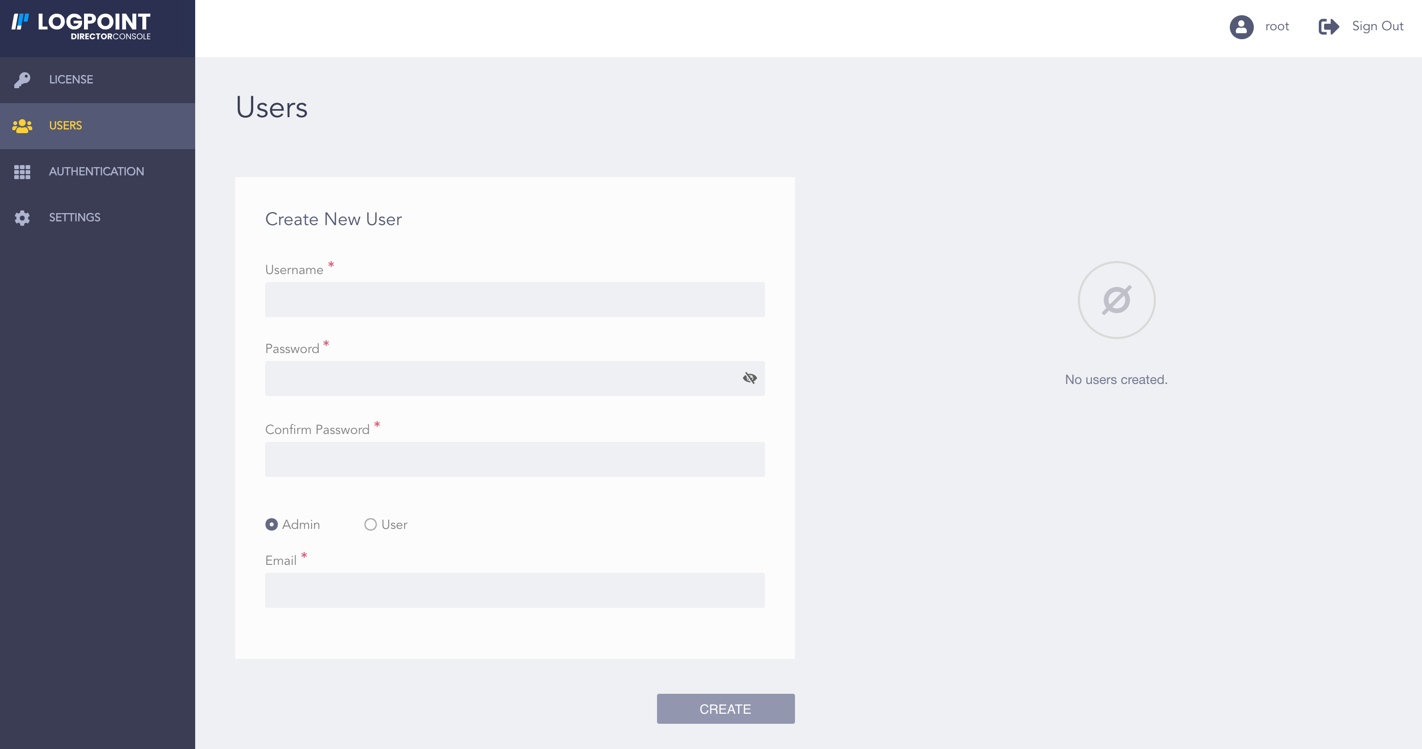
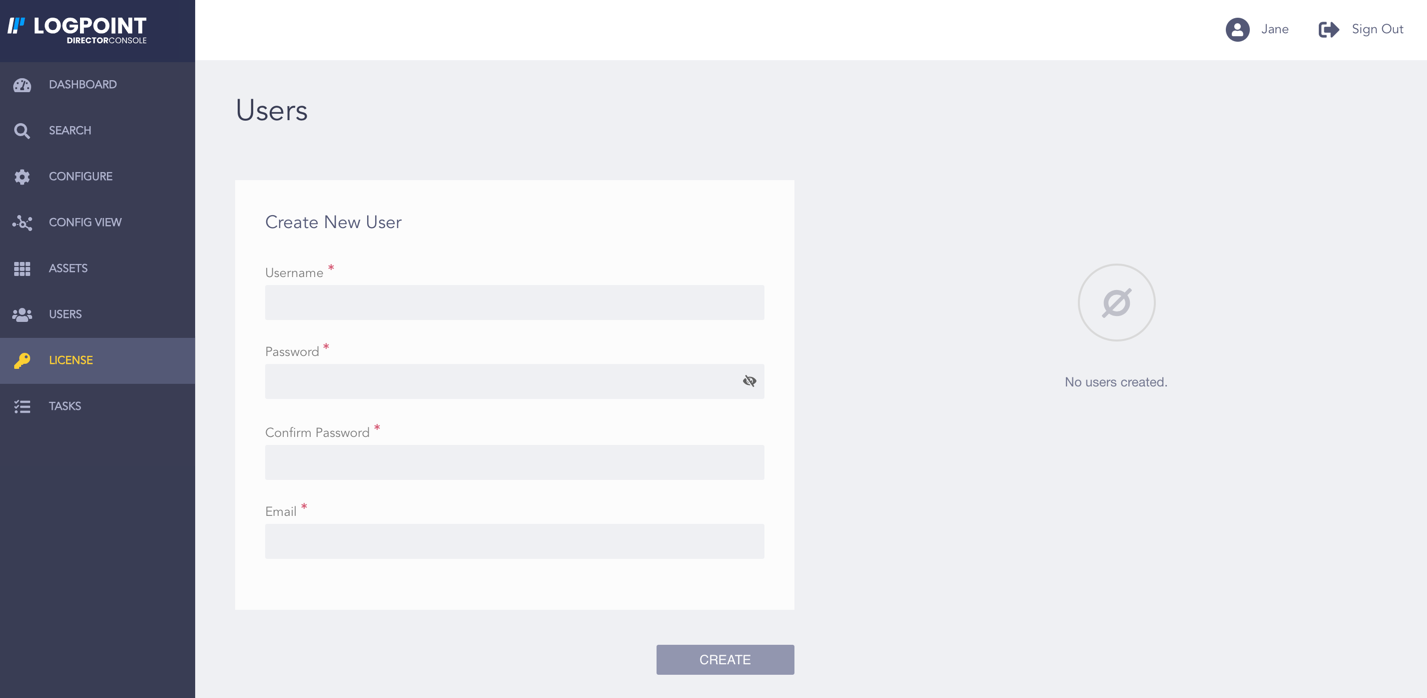
Click Users.
Enter a Username.
Enter a Password and confirm it.
Note
The password must be at least eight characters long.
Select the user role from the User Role section if you are the root user.
Root User’s View of the Users Page¶ Admin User’s View of the Users Page
Root User’s View of the Users Page
Admin User’s View of the Users Page
Enter the Email of the user.
Click Create.
We are glad this guide helped.
Please don't include any personal information in your comment